
Looking to upscale your images but can’t find a completely free and reliable tool online? You’re in the right place. Our free AI Image Upscaler enhances your images by improving quality, sharpness, and resolution. Transform your photos into high-quality visuals perfect for wallpapers, social media, or any use you need. Try it now and experience the difference.
AI Image Upscaler Tool
or drag & drop your image here
JPG, PNG, WEBP supportedWhat is Image Upscaling?
Before using an image upscaler, it is important to understand what image upscaling actually means. Basically, image upscaling is the process of improving a low-quality image by increasing its resolution and enhancing its details. It helps reduce blur, refine edges, and make the image look clearer and more visually appealing. As a result, your image can appear closer to HD or even 4K quality.
Nowadays, using low-quality images can be challenging, especially on social media, websites, or as wallpapers on your computer or mobile devices. Poor-quality images may look blurry, pixelated, or unprofessional, which can affect how your content is perceived.
The best solution to this problem is to upscale the image. There are many online tools available that offer image upscaling, but most of them are paid or require downloading applications. Many users prefer quick and simple solutions, so they often search for a free image upscaler online that works instantly without installation.
How to Use the Image Upscaler Tool
Follow these simple steps to use our Image Upscaler tool:-
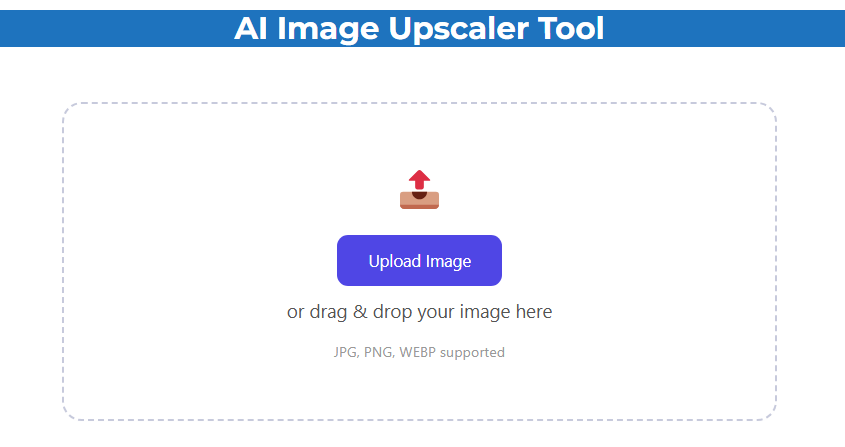
Step 1 : Open the Tool
First of all Visit our website and access the Image Upscaler directly from the homepage.
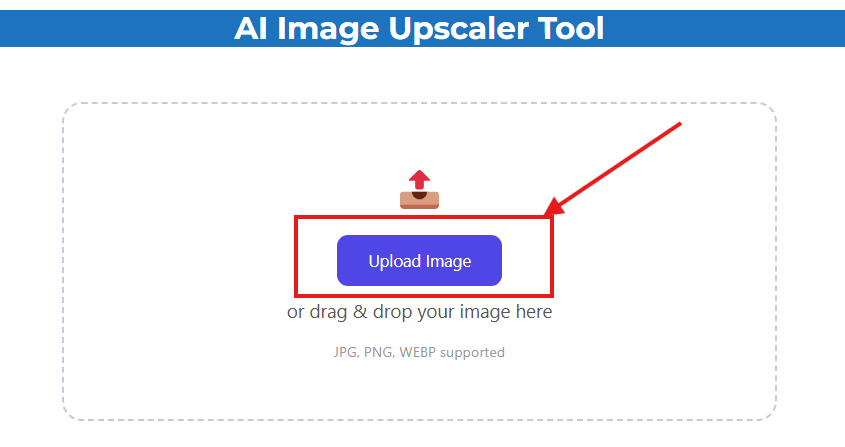
Step 2 : Upload Your Image
Select and upload the image you want to enhance.
Step 3 : Download the Result
Wait a few seconds for processing, then download your high-quality upscaled image.
How Our Image Upscaler Works
With our image upscaler app, you will increase the dimensions of your photo, plus sharpen up the image’s edges and colors and enhance the quality of the photo by increasing resolution to create a better and clearer photo. Thus making the photo appear sharper and less blurry or pixelated.
The system works quickly and automatically – so no prior experience or technical ability is necessary to make this happen. In just a few seconds, your photos will be properly sized for your desired quality, ready to be saved as higher-quality images of at least 300 dpi for printing. From moderate improvement of older photographs through enhancing them with new effects for Facebook or Instagram, to preparing an online image for use as wallpaper; you can achieve all of this using our software in less than five minutes.